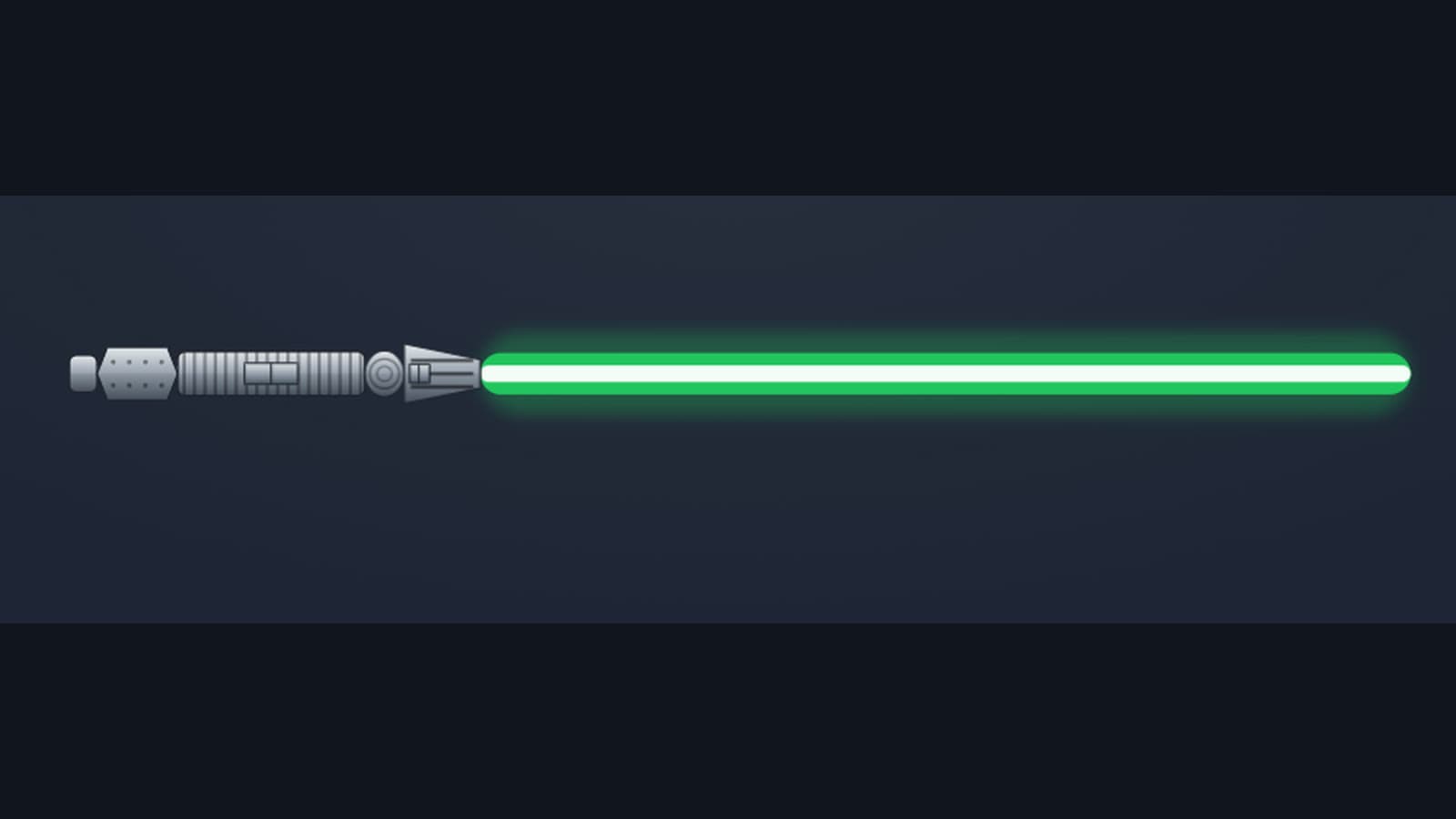
Everybody's built a lightsaber in their head
You've done it. Picked the color, decided whether the hilt is battered chrome or dark and severe, argued with a friend about whether a crossguard is cool or a crime. So I built the tool that lets you actually make the thing: the SWURPG Lightsaber Builder.
It's not a color picker with a saber PNG behind it. You assemble the hilt one part at a time — power cell, grip, lens, emitter — and watch it come together on the stage as you go. Seat a kyber crystal to set the blade color, drop upgrade crystals into the grip chamber, name it, and hit Ignite: the blade extends with a snap-hiss, settles into a hum, and the whole thing is yours.
Eleven hilts, and every one is a real weapon
This is the part I care about most. Each hilt type isn't a skin — it's an actual SWURPG weapon with its own stats, and it renders distinctly on the stage:
- Standard — the classic single blade.
- Lightfoil — a slender fencer's blade on a thin hilt, +1 to hit but fragile.
- Dueling — the same slender hilt with a full-thickness blade, sharp one-on-one, clumsy in a crowd.
- Short — compact and quick, made for the off-hand.
- Double-bladed — a blade at each end, one kyber per side so you can run two colors.
- Crossguard — a main blade with two quillon vents.
- Great — an oversized two-handed blade with real reach and weight.
- Guard Shoto — a stubby blade with a perpendicular hand-guard that turns aside blows almost like a shield (it grants +1 AC in play).
- Retrosaber — a full-length blade held in a reverse grip, the hand set back toward the power cell.
- Lightsaber Pike — a short blade on a long polearm shaft, with room for two crystals.
- Lightwhip — a flexible plasma lash that undulates out when you ignite it, with its own looping crackle instead of a hum.
Pick one and the stage rebuilds to match — a pike's long shaft, a whip's coiling blade, a double-bladed staff. And because the hilt is a genuine catalog weapon, the Build a character with this saber button drops it straight into the character builder, where it lands in your inventory as a fully-statted weapon with the crystal and upgrades you chose already installed.
Forge each part the way you want
The look is yours to push around, not just the color:
- Materials, per part. Give the grip wroshyr wood, the emitter chromium, the power cell weathered bronzium. Ten materials, canon and Legends, each with its own finish — brushed steel, mirror-bright, matte gunmetal, ivory bone.
- The kyber sets the color. Choose from colored crystals or tune a synthetic one to any hue you like. In SWURPG blade color is cosmetic, so a Jedi, a Sith, or a wanderer can carry whatever they want — there are no rules about who gets which color. (If you want the lore behind each hue, the lightsaber colors guide breaks it all down.)
- Upgrade crystals seat in the hilt chamber and add real edge — an Adegan crystal sharpens your strikes, a Barab Ore crystal adds fire. They don't change the blade color; they change what the blade does.
- Emitter, lens, power cell, and grip upgrades each add their own bonus, exactly the ones you'd install in the character builder's Weapon Upgrades tab.
- A curved hilt. Standard, Short, Lightfoil, and Dueling hilts can bend into the classic curved-hilt silhouette — purely cosmetic, no effect on your stats. Just style.
Then ignite it
When the saber's assembled, name it and bring it to life. The blade extends, the hum kicks in, and you can zoom and pan the stage to study the hilt up close — the material finishes, the sealed crystal chamber, the whole assembly. It works on a phone too: pinch to zoom, drag to reposition.
Save it to your account, share it with a link, or take it straight into a character and start building the person who carries it. Want to go deeper on how a saber fights? The lightsaber forms guide covers the seven combat forms your Jedi can master.
Open the Lightsaber Builder → and make the one you've been picturing.