The rulebook flip is a momentum killer
You know the moment. The party's deep in a firefight, a stormtrooper sprays autofire across the loading bay, and someone asks "wait — do I add my Dexterity to that damage?" And now you're flipping pages while four players stare at you and the tension you spent twenty minutes building leaks out of the room.
Every GM screen ever made exists to fix that one problem: keep the numbers you reach for constantly within a glance, so the game never stops moving. SWURPG didn't have one. Now it does — and it's a free download, ready to print.
Grab it from the Resources hub or straight off this link: SWURPG GM Screen (PDF).
What it is
Three landscape panels, double-sided, in the SWURPG house style — dark panels, gold headers, the kind of thing that looks at home on a table next to your dice. Every table on it is SWURPG-original, hand-built from the live rules, so the numbers match what's actually on the site today.
The whole thing is organized around the three things you look up most:
Panel 1 — Combat
The busiest page, and the one that earns its keep. Your turn's action economy, the full common-actions list with a one-line reminder of what each does (including the easy-to-forget ones like switching weapons), and the attack math laid out so nobody has to ask twice:
- Ranged: roll DEX + PB to hit — damage is weapon dice only, no ability mod.
- Melee: always add STR to damage, even with a finesse weapon (finesse only changes the attack roll).
Those two lines settle 90% of the table arguments by themselves. Around them: the Armor Class build, the size-to-AC table, cover bonuses, range bands, and — because they come up every session — the medpac tiers and a quick encounter-building guide by Threat Rating. Want the full rules behind any of it? It's all on the Combat page.
Panel 2 — Damage & Conditions
All 13 damage types, resistance/vulnerability/immunity at a glance, the stun save ladder, and the complete conditions list — every one, with its effect in a single line, so "what does Frightened actually do again?" is a half-second look instead of a search.
Then the two things most screens leave out:
- Area damage — how autofire and grenades actually resolve (who saves, against what, and what a success buys you).
- Area templates — a clean cone / burst / line reference with an original diagram showing how a cone widens across the grid (1 square at 5 ft, 3 at 10 ft, 5 at 15 ft). No more freehand-drawing blast zones and hoping nobody measures.
Panel 3 — Skills, the Force & GM Tools
The 19 skills with their governing abilities, the DC ladder, proficiency bonus by level, and a standing reminder that SWURPG has no passive skills — every check is an active roll. Then the GM toolkit: rests, death saves, Force Points and the Force DC formula, Heroic Surge, and a compact basic Force powers table — Push, Pull, Stun, Mind Trick, and Lightning — with how to evaluate each one at the table. The deeper dive lives on The Force and Rests & Medpacs.
The double-sided trick
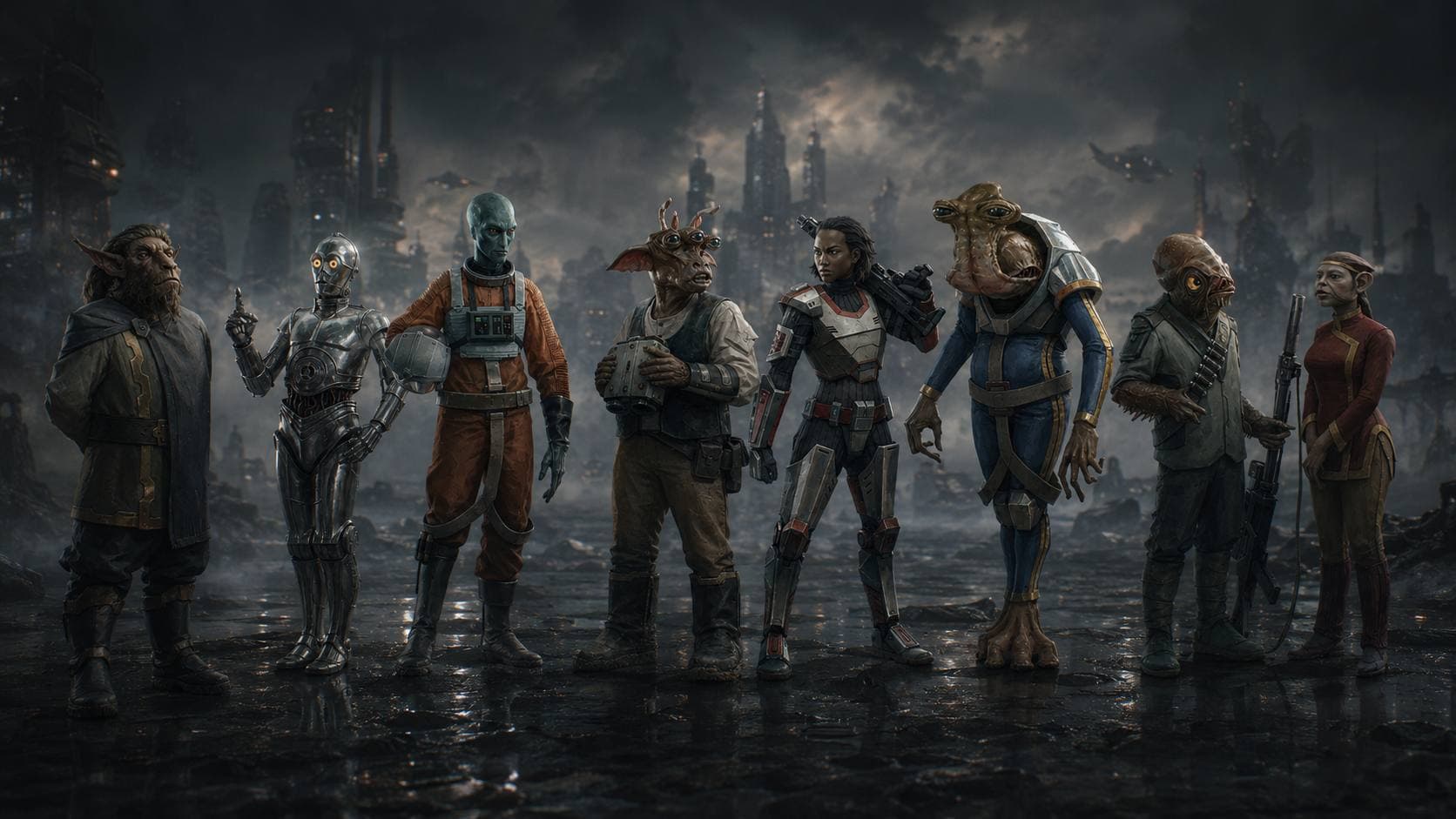
Each panel is printed on both sides: rules face you, art faces your players. Print it double-sided, stand it up between you and the table, and your side is a wall of quick-reference while their side is a strip of cinematic Star Wars art to set the mood.
How to print it
It's a standard Letter landscape PDF, six pages — three art, three rules, interleaved.
- Best: print double-sided, and set the binding to flip on the long edge. That lands each art page on the back of its matching rules page, so a stand-up screen shows art outward and rules inward.
- No duplex printer? Print single-sided and just keep the three rules pages — they work fine flat on the table or in a landscape sheet protector.
- Cardstock holds up better than paper if you're going to use it every session.
Bring it to the table
That's it — no signup, no paywall, just a tool to keep your sessions moving. Print it, fold it, run a game behind it.
- Download the GM Screen (PDF)
- Building the campaign behind it? Start in the Character Builder and the Starship Builder.
- Stocking the encounters? Raid the bestiary for stat blocks across every faction.
If you run with it and something's missing — a table you reach for that didn't make the cut — tell me. This is version one, and the screen's only as good as the lookups it saves you.