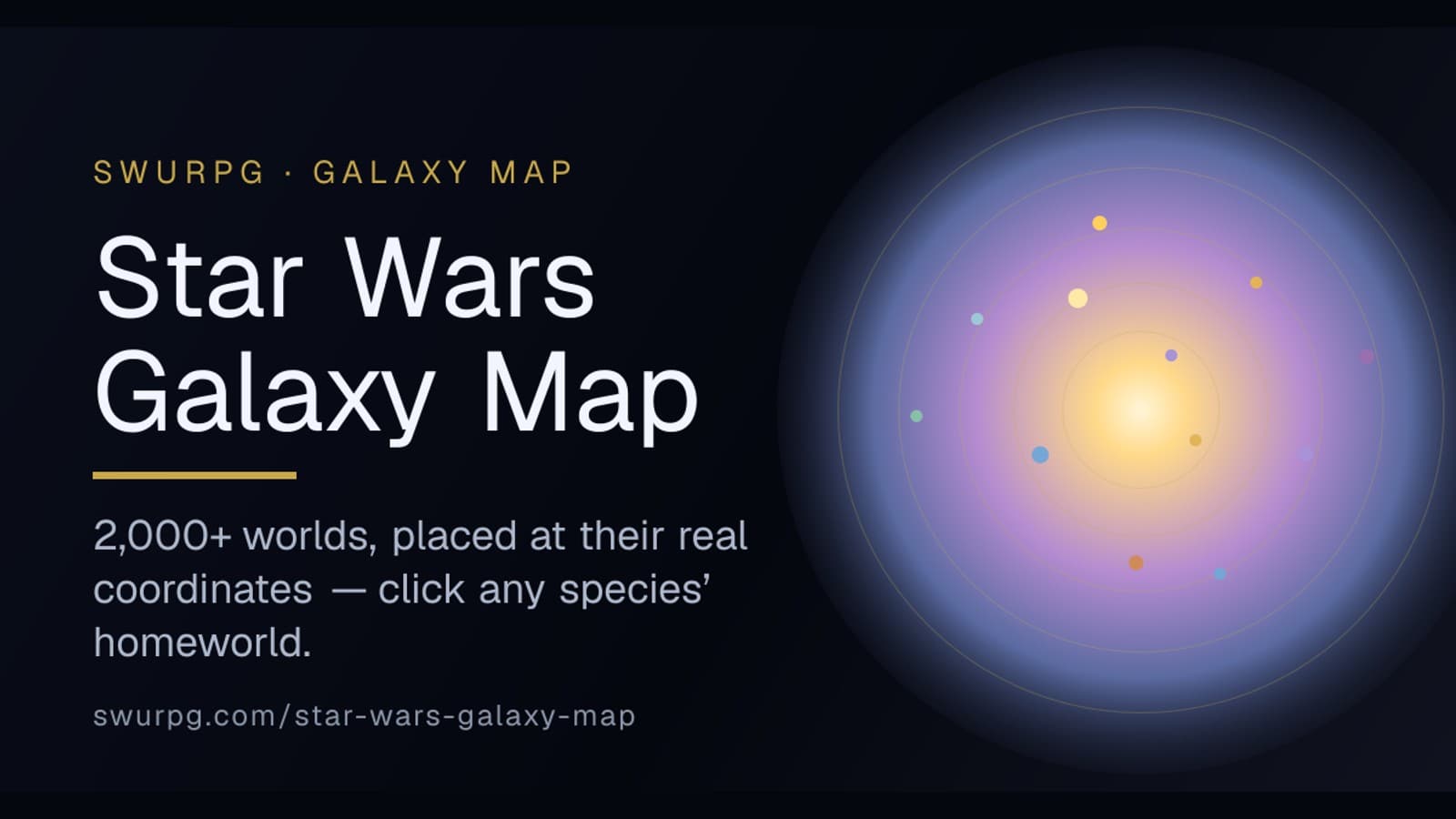
A map you can actually use
Most Star Wars galaxy maps are wall art. Beautiful, but you look at them once and move on. We wanted something you'd keep open in a second tab during a session — so we built the Galaxy Map, and the whole point of it is that it links to things.
Click a species' homeworld and you land on that species' page — ability modifiers, traits, lore, and a button to start building a character. Planning where your smuggler grew up, figuring out which worlds sit along your crew's route, settling a "wait, is Ryloth Outer Rim or Mid Rim?" argument mid-session: the map answers all of it, and every answer is one tap from the rules behind it.
2,000+ worlds, at their real coordinates
Here's the part we're quietest-but-proudest about. The map plots over 2,000 star systems, and they aren't scattered for looks — each one sits at its real astrographic coordinate. Coruscant is dead center in the Deep Core. Tatooine hangs out on the Outer Rim's edge. Kamino floats alone past the southern rim, exactly where it's supposed to be lost.
That accuracy took some doing. We didn't eyeball placements off a poster — we worked from published grid-and-coordinate data and calibrated the whole field to it, so a world's dot lands where the sources put it, not where it looked about right. The ten regions — Deep Core, Core, Colonies, Inner Rim, Expansion Region, Mid Rim, Outer Rim, Wild Space, Hutt Space, and the Unknown Regions — are colored bands radiating out from the galactic center, so you can see at a glance how far from the bright center any planet really is.
Every homeworld is a doorway
We threaded the map into the rest of the site. 97 worlds are flagged as species homeworlds, wired to 101 playable species — a few planets are home to more than one. Click Mon Cala and you get a choice: the Mon Calamari or the Quarren who share that ocean world. Click Dathomir and it's the Nightsisters or the Nightbrothers. Kamino offers the Kaminoans or the clones grown in their vats. Each name in the pop-up is a link straight to that species' full page.
A few worth a click:
- Kashyyyk — the Wookiees' forest world, deep in the Mid Rim.
- Ryloth — the Twi'lek homeworld, tidally locked so one face bakes and the other freezes.
- Kamino — the cloners' storm-lashed ocean planet, deliberately erased from the Jedi Archives.
- Umbara — the Shadow World, so far from its sun that its people see in near-total dark.
- Geonosis — the hive-world where the Clone Wars started, our newest species.
Zoom in, go full-screen, explore on your phone
The map is built to poke at. On desktop, scroll to zoom and drag to pan. On mobile, pinch to zoom with two fingers and tap any world to open it. Either way, there's a full-screen button — tap it and the galaxy fills your whole screen, which is the only sane way to hunt for a single system among two thousand of them on a phone.
Tapping a world opens a little panel with its name, its region, and — if it's a homeworld — the species that call it home. From there you're one more tap from the character builder.
Where it fits
The Galaxy Map joins the Character Builder, the Starship Builder, the species catalog, and the Map Builder as another free tool on the site. If you run games, it's a fast way to place an adventure, sketch a hyperspace route, or show your players exactly how far they're about to jump. If you're building a character, it's the shortest path from "I want to play something from the Outer Rim" to a finished sheet.
Go find your character's homeworld: swurpg.com/star-wars-galaxy-map. See who your neighbors are.