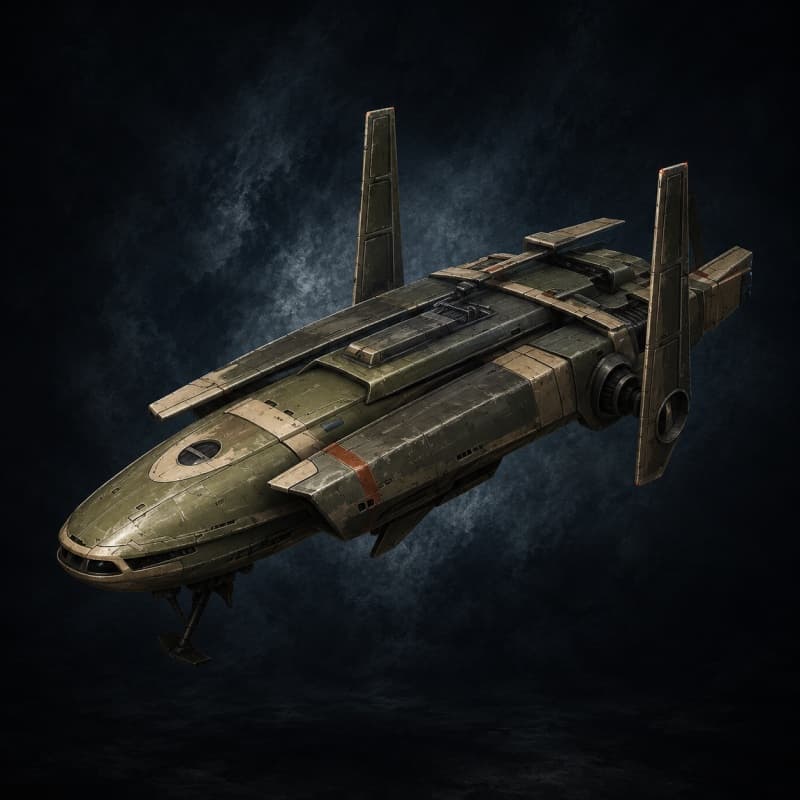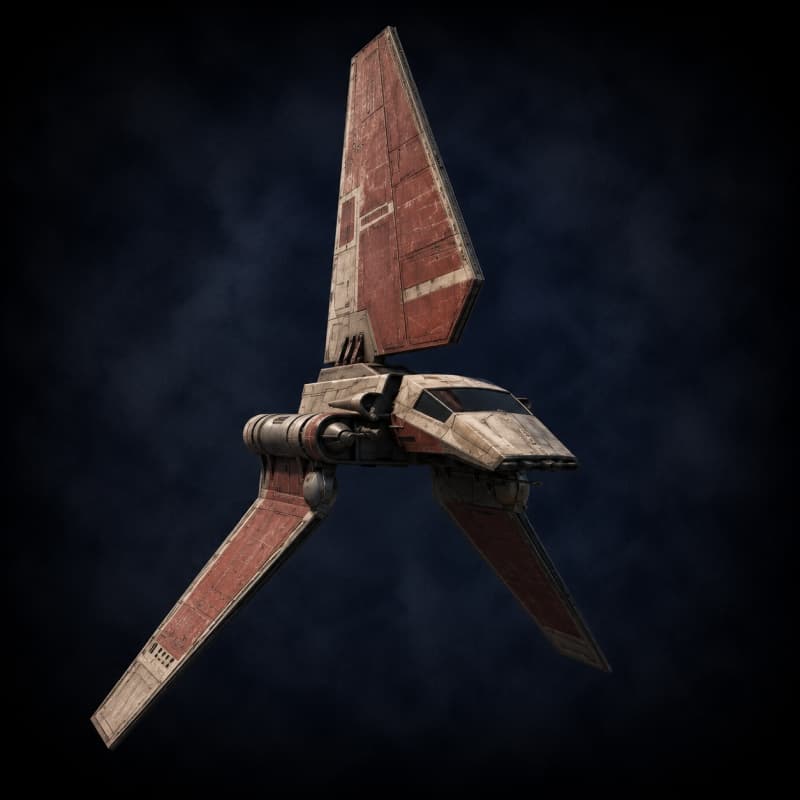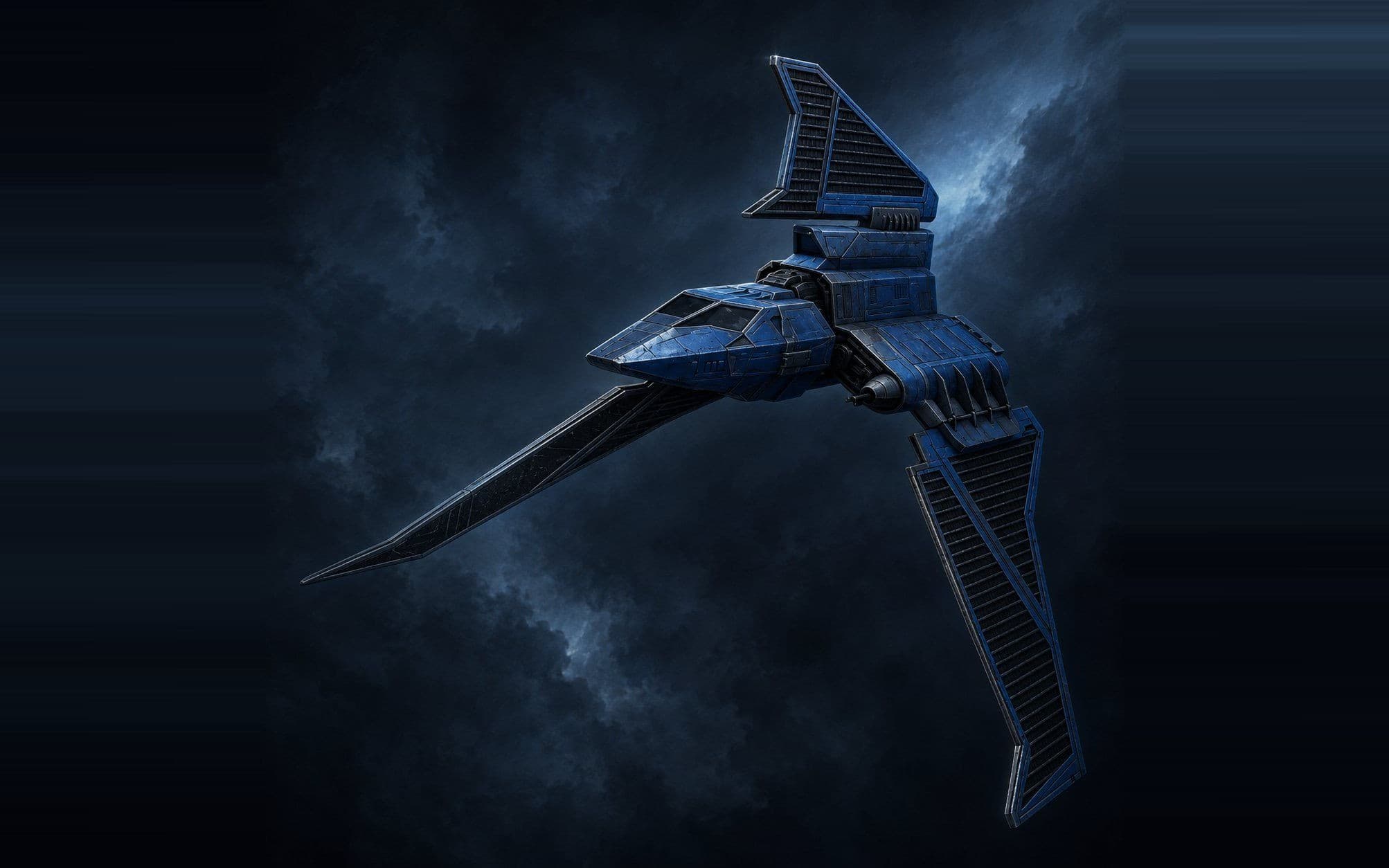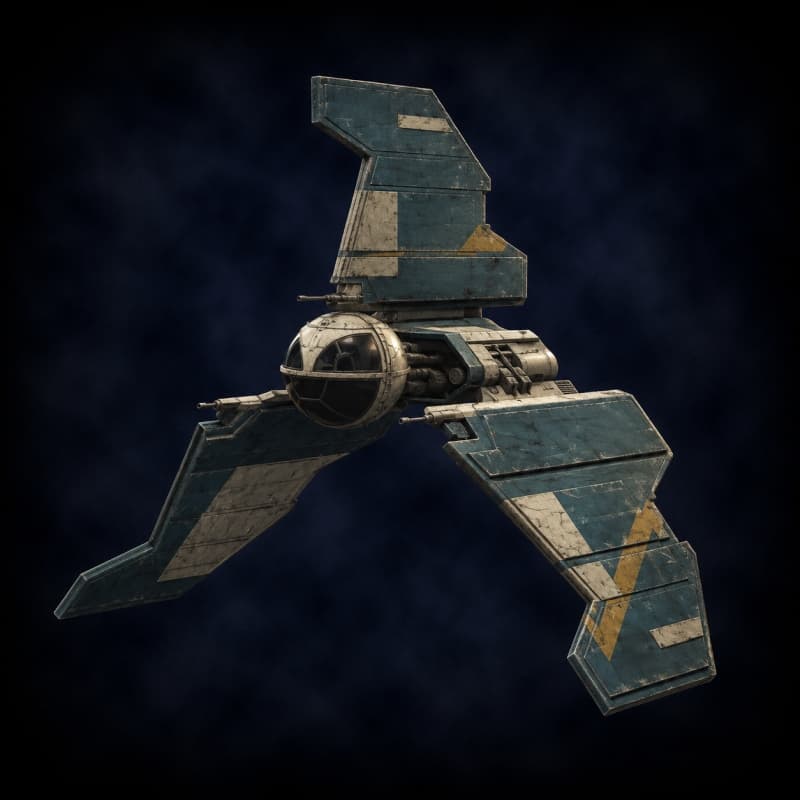
Eta-class Shuttle
Transport ShuttleRepublic-era utility shuttle. Used by Jedi diplomats and military command staff during the Clone Wars. Anakin Skywalker's Twilight was a heavily modified Eta variant.
- Size
- Medium
- Length
- 24 m
- Speed
- Average
- Reference price
- 95,000 cr
Lore
The Cygnus Spaceworks Eta-class shuttle is the late-Republic utility transport — a 24-meter multi-purpose hull issued in significant numbers to Jedi diplomatic detachments, Republic military command staff, and frontier governance offices during the Clone Wars. The Eta's design philosophy is the opposite of the Lambda shuttle's: where the Lambda is purpose-built for visible command authority, the Eta is bland, generic, and unmemorable — exactly the qualities a Jedi diplomatic team wants when entering a tense system without sparking an incident.
The most famous Eta in canon is the Twilight, Anakin Skywalker's personal heavily-modified shuttle from The Clone Wars. Anakin's Twilight had its weapons upgraded, its sublight engines tuned past spec, and its cargo bay reconfigured for clandestine operations. The base Eta is a much more modest ship — twin forward laser cannons, a dorsal turret hardpoint, room for twelve passengers, and a Class 1.0 hyperdrive — but the chassis takes modification well, which is why Anakin (and many other operators with reasons to fly under the radar) keep coming back to it.
Mechanically, the Eta is the catalog's "well-rounded mid-tier shuttle." 100 HP, 40 shields, 12 passengers, two hardpoints (one fixed, one turret) with stock weapons in the fixed slot. Solid mid-tier Republic-era pick for any campaign in the late Republic, Clone Wars, or early Imperial era — and the chassis disappears into traffic in any spaceport, which is the whole point.
Default Loadout
| Weapon | Mount | Attr | Range | Acc | Damage |
|---|---|---|---|---|---|
| Forward Twin Laser Cannons | fixed | DEX | Close | +1 | 2d10 energy |
Reference loadout for a stock chassis. Players swap, add, or customize weapons in the Starship Builder, subject to hardpoint caps and GM approval.
How to use this chassis
These are the stock stats. Use the Starship Builder to name your ship, install upgrades (shields, armor, engines, hyperdrive, weapons, sensors), apply traits (Jury-Rigged, Hot-Shot, Salvaged, etc.), and export a printable sheet. For combat resolution, see the Starship Combat rules page.
Similar Chassis
More shuttle-category ships in the catalog.