T-1 Shuttle (Jedi Order)
Jedi Order ShuttleHigh Republic-era Jedi Order shuttle. Unarmed by canon. Famously sturdy hull — "remains mostly intact in the event of a crash."
- Size
- Small
- Length
- 15 m
- Speed
- Fast
- Reference price
- 110,000 cr
Lore
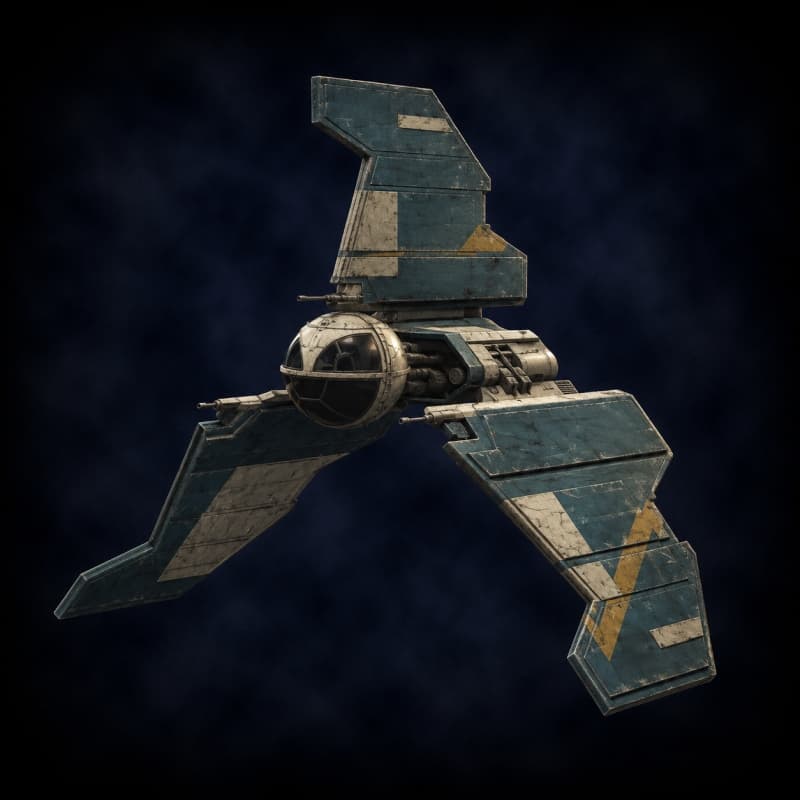
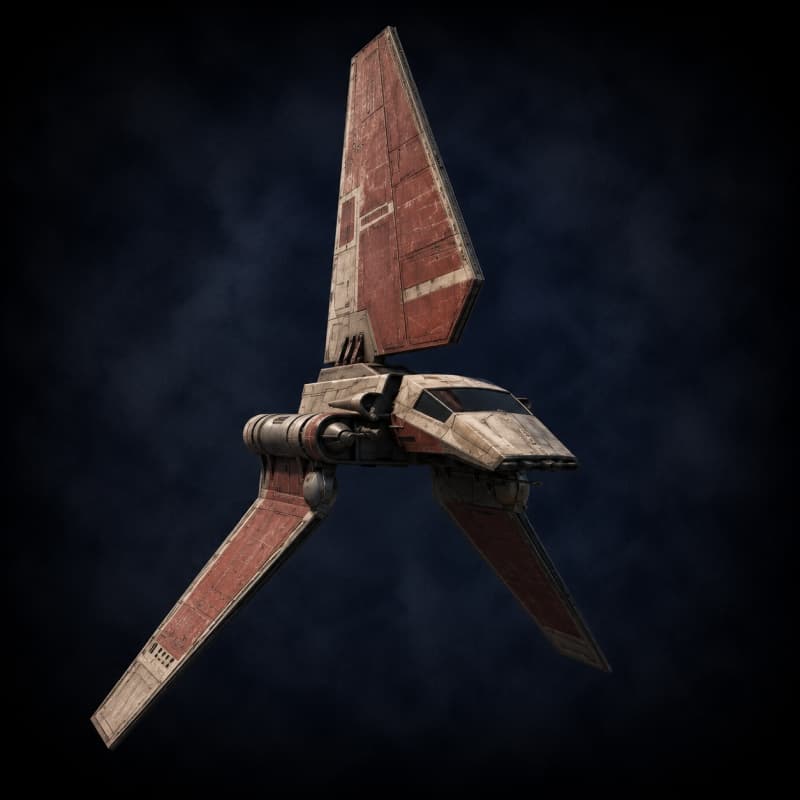
The Slayn & Korpil T-1 shuttle is the Jedi Order's diplomatic and reconnaissance transport during the High Republic era — the design that preceded the better-known Clone Wars-era T-6 shuttle. The 15-meter hull features a distinctive triangular twin-wing layout, white plating with red accents, and a flat-viewport bridge that seats four Jedi plus two pilots. The ship's most striking design feature is what it lacks: weapons. The Jedi Order built the T-1 unarmed by deliberate choice, favoring mobility, long-range sensors, and shields over offensive armament.
T-1 shuttles appear throughout the High Republic publishing line. The Jedi Masters Avar Kriss, Sskeer, Cohmac Vitus, and Orla Jareni all flew T-1s on missions ranging from the Eiram-E'ronoh crisis to the early Nihil engagements. The hull is famously sturdy: Master Simmix was killed when his T-1 crashed on a Directorate-controlled moon, but the ship itself "remained mostly intact" — a survival characteristic that the Order valued highly when sending Jedi Padawans to investigate uncertain environments.
Mechanically, the T-1 is a Small chassis with +3 SIB (the highest SIB-per-size in the catalog, reflecting the crash-survival lore), 80 HP, 30 shields, and zero hardpoints. Players who want defensive armament install Extra Hardpoint upgrades. The chassis is High Republic-era exclusive and fits campaigns set ~200 BBY featuring Jedi protagonists, diplomatic crews, or Republic-affiliated investigators. Long-range sensors and Class 1.0 hyperdrive let a Jedi cell respond to a distress signal across sectors within a day.
How to use this chassis
These are the stock stats. Use the Starship Builder to name your ship, install upgrades (shields, armor, engines, hyperdrive, weapons, sensors), apply traits (Jury-Rigged, Hot-Shot, Salvaged, etc.), and export a printable sheet. For combat resolution, see the Starship Combat rules page.
Similar Chassis
More shuttle-category ships in the catalog.